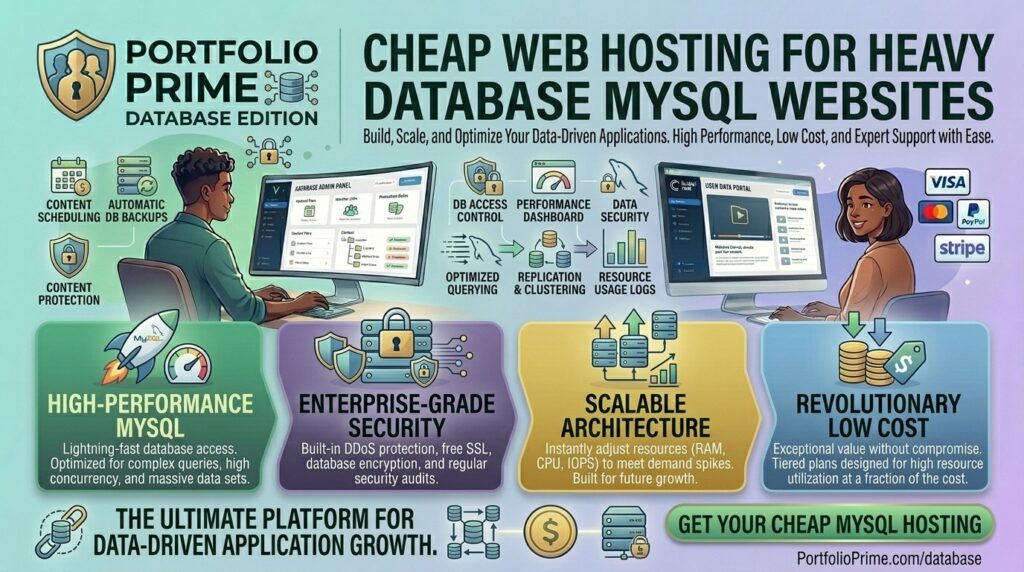
What is the cheap hosting for heavy database mysql websites? Websites running complex database queries—such as high-traffic e-commerce storefronts, dynamic directory listings, large-scale forums, and multi-author content management systems—place an intense burden on server architecture. When your application relies on hundreds or thousands of daily MySQL/MariaDB reads and writes, finding cost-effective hosting becomes a high-stakes balancing act.
Most budget-friendly web hosting providers advertise “cheap” plans, but they hide severe resource restrictions behind marketing terms like “unlimited storage.” The moment your MySQL database grows to several gigabytes or complex SQL joins start spiking CPU usage, cheap shared hosts will throttle your queries, suspend your account, or throw dreaded 504 Gateway Timeouts and Too Many Connections errors.
If your digital enterprise operates out of or serves audiences across major technology hubs like San Francisco, New York, Texas, Washington, or California, securing affordable hosting that handles heavy database operations without crashing is critical for search engine rankings and user retention.
This comprehensive guide breaks down the technical demands of heavy MySQL websites, evaluates the best budget-friendly hosting providers, shares actionable optimization strategies, and answers 10 detailed FAQs.
Why Heavy MySQL Databases Break Cheap Shared Hosting
Understanding why standard hosting fails heavy databases helps clarify what to look for in a budget provider:
- Strict Concurrent Connection Limits: Cheap shared servers limit how many simultaneous queries can hit MySQL at once (often capped at 20 to 30 global connections). If a traffic surge hits your site, incoming queries get queued or rejected outright.
- I/O and Read/Write Bottlenecks: Traditional spinning hard drives or low-tier storage arrays choke when executing heavy SQL write operations, sorting large tables, or running multi-table joins.
- Aggressive Resource Throttling (CloudLinux Limits): On budget shared accounts, CPU and RAM are shared among hundreds of users. If your database query takes more than a few seconds to compile, automated server scripts kill the process to protect neighboring sites.
- Lack of Database Tuning Access (
my.cnf): Shared hosting users cannot modify core MySQL configuration variables likeinnodb_buffer_pool_size,query_cache_size, ormax_allowed_packet, preventing proper server-level performance optimization.
Top 5 Cheap Web Hosting Options for Heavy MySQL Websites
To secure high database performance on a budget, you need providers that offer NVMe storage, unthrottled CPU allocations, and options for dedicated database isolation. Here are the top choices:
1. Kamatera (Best for Fully Customizable, Scalable Cheap Cloud VPS)
Kamatera is an exceptional choice for developers and businesses running heavy MySQL workloads on a budget.
- Why it shines for MySQL: Kamatera offers hyper-scalable cloud VPS servers starting at very low baseline costs. Because you get full root access, you can provision a dedicated MySQL or MariaDB instance, allocate raw RAM entirely to the InnoDB buffer pool, and scale CPU cores on demand.
- Pros: Blistering-free trial options, complete control over server configurations, NVMe storage arrays, and elite data center nodes spanning US coasts (including California and New York).
- Cons: Unmanaged environment requiring basic Linux system administration skills.
2. Hostinger (Best Value Cloud Hosting with Isolated Resources)
Hostinger provides high-performance cloud hosting packages that bridge the gap between expensive enterprise servers and restrictive shared hosting.
- Why it shines for MySQL: Hostinger’s Cloud Startup and Global plans allocate isolated CPU cores and dedicated RAM pools. This ensures that heavy MySQL queries running on your site won’t be throttled by noisy neighbors.
- Pros: Inexpensive introductory pricing, intuitive user control dashboards, integrated object caching support, and fast NVMe storage configurations.
- Cons: Renewal rates increase after the initial promotional term.
3. DigitalOcean / Cloudways (Best Predictable Cloud Infrastructure for Data-Heavy Apps)
DigitalOcean Droplets paired with Cloudways or managed database add-ons provide an unbeatable developer-focused environment for data-intensive web apps.
- Why it shines for MySQL: You can separate your web application server from your database server, or leverage DigitalOcean Managed Databases, which feature automated daily backups, read-only replica nodes, and isolated scaling.
- Pros: Transparent pay-as-you-go pricing, clean user interfaces, and zero arbitrary database size restrictions.
- Cons: Requires technical configuration during initial setup.
4. Hosting.com (Best Traditional Budget Host with Unrestricted Database Counts)
Formerly known as A2 Hosting, Hosting.com is well-regarded for providing robust developer environments and flexible database management tools on budget tiers.
- Why it shines for MySQL: Even entry-level plans support unlimited MySQL or MariaDB databases, paired with pre-installed phpMyAdmin, optimized PHP-FPM handler pools, and Turbo server acceleration options.
- Pros: Generous database allowances, deep PHP version compatibility, and reliable uptime histories.
- Cons: Top-tier speeds require subscribing to higher-cost Turbo plans.
5. InterServer (Best Flat-Rate Monthly Hosting with No Price Hikes)
InterServer is famous for its strict price-lock guarantee—meaning your renewal rate will never increase from your initial signup cost.
- Why it shines for MySQL: Their standard standard VPS and web hosting packages provide unmetered resources and robust security isolation, making it easy to run data-heavy applications without unexpected billing surprises.
- Pros: Stable monthly pricing, dual US coastal data centers ensuring low latency for US users, and reliable hardware reliability.
- Cons: Traditional control panel layouts lack modern automated deployment wizards.
Actionable Tips to Optimize Heavy MySQL Databases
Even the best hosting infrastructure will struggle if your SQL queries are unoptimized. Implement these technical strategies to keep your database lean and fast:
- Tune the InnoDB Buffer Pool (
innodb_buffer_pool_size): On a VPS, allocate roughly 50% to 70% of your total server RAM directly to the InnoDB buffer pool. This ensures active database tables and indexes are served directly from fast RAM rather than disk storage. - Index Frequently Queried Columns: Missing indexes force MySQL to perform full table scans, destroying performance. Add indexes (
INDEXorUNIQUE) to columns frequently used inWHERE,JOIN, andORDER BYclauses. - Purge Database Bloat and Transients: Regularly clean expired session data, transient options, post revisions, and spam comment tables that accumulate gigabytes of useless junk over time.
- Implement Redis or Memcached Object Caching: Prevent repetitive database read requests by caching query results in server memory using Redis or Memcached plugins.
- Avoid SELECT * Queries: Always specify the exact columns you need (e.g.,
SELECT id, username FROM users) instead of fetching entire table rows (SELECT *), minimizing memory and network overhead.
10 Frequently Asked Questions (FAQs)
1. Can I run a heavy database website on cheap shared hosting?
Generally, no. Shared hosting enforces tight limits on CPU usage, query execution time, and simultaneous connections, causing heavy database sites to crash frequently. A low-cost Cloud VPS is a much better alternative.
2. What is the difference between MySQL and MariaDB on budget hosts?
MariaDB is a drop-in replacement and fork of MySQL. Most budget hosts use MariaDB by default because it offers enhanced performance threads and better open-source optimization, while remaining fully backward-compatible with MySQL queries.
3. How much RAM does a heavy MySQL database need?
For small to medium databases (under 5GB), a server with 2GB to 4GB of RAM is usually sufficient, provided the InnoDB buffer pool is configured correctly to keep working datasets in memory.
4. How do database queries affect my Google SEO rankings?
Google measures Time to First Byte (TTFB) and Core Web Vitals. If a heavy database query stalls your server response time, your page load latency spikes, hurting your search engine visibility.
5. What is innodb_buffer_pool_size and why does it matter?
It is the memory area where MySQL caches table data and indexes in RAM. Setting this too low forces your server to read data constantly from slower disk storage.
6. How do I manage my MySQL database on a cheap VPS?
If your VPS doesn’t have a control panel, you can install lightweight database management interfaces like phpMyAdmin or Adminer, or manage tables securely via command-line terminal SSH connections.
7. Why am I getting a “Too Many Connections” error?
This error occurs when your website exceeds the maximum number of simultaneous client connections permitted by the MySQL server configuration (max_connections). Upgrading your server RAM and tuning limits resolves this.
8. Are automated backups important for heavy databases?
Crucially important. Large databases are prone to corruption during sudden server reboots or failed updates. Ensure your host provides automated daily backups and point-in-time recovery.
9. Should I separate my web server from my database server?
For massive enterprise sites, yes—splitting them across separate cloud instances prevents database queries from competing with web asset rendering. For budget sites, a single powerful VPS is usually adequate.
10. Which US data center locations should I choose for local audiences?
To minimize latency for users located across Texas, New York, California, Washington, and San Francisco, select US East or US West coast data center nodes depending on where your primary user demographic resides.
Conclusion
Running a website with a heavy MySQL database on a budget requires moving away from restrictive shared plans and utilizing high-performance cloud infrastructure. By pairing your data-intensive application with a flexible, low-cost provider—such as Kamatera, Hostinger, or DigitalOcean—alongside aggressive database indexing and memory tuning, you secure lightning-fast query execution, rock-solid uptime, and a scalable foundation engineered to rank at the top of Google search results.