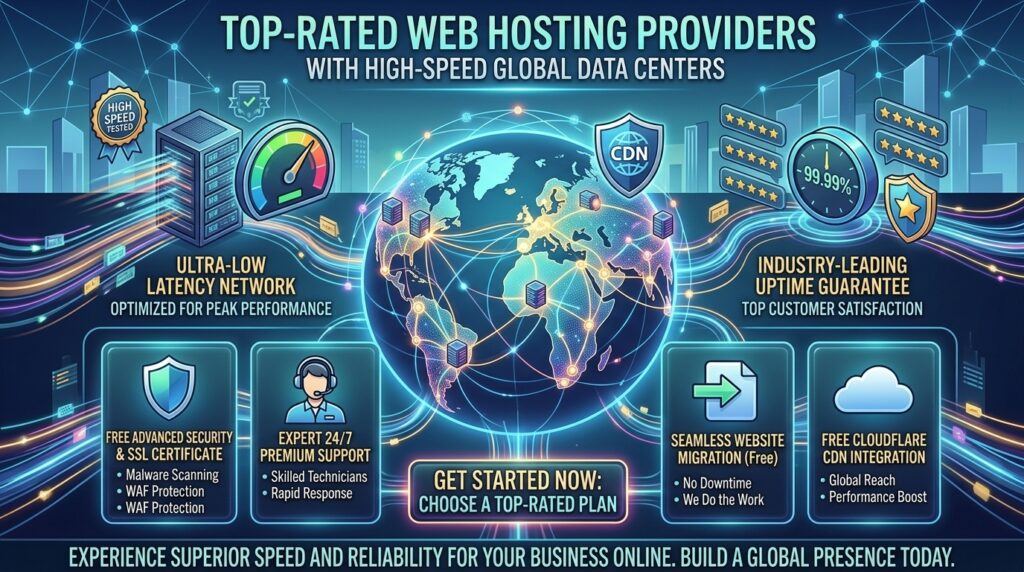
Top rated web hosting providers with high speed global data centers. Choosing the right web hosting provider is the single most critical technical decision you will make for your digital presence. Whether you are launching a personal portfolio, a hyper-local business page, or a high-traffic e-commerce store, the foundation of your website dictates its speed, security, search engine visibility, and long-term viability.
For creators, entrepreneurs, and digital agencies scaling operations across major economic and technological hubs like Texas, New York, California, Washington, and San Francisco, understanding the nuances of modern web infrastructure is essential. With thousands of options saturating the market, cutting through the marketing noise to find a reliable, high-performance host requires a data-driven approach.
This masterclass guide breaks down everything you need to know about modern web hosting, comparing industry-leading platforms, evaluating key architectural differences, and providing actionable optimization tips to ensure your website dominates Google search rankings.
Understanding the Anatomy of Web Hosting
Before diving into specific provider comparisons, it helps to understand what web hosting actually is and how different server environments impact your performance.
At its core, a web host is a specialized computer (a server) connected to the internet 24/7 that stores your website’s files, images, code, and databases. When a user types your domain name into their browser, the server delivers those files to their screen.
Core Types of Web Hosting Environments
- Shared Hosting: Multiple websites share resources on a single physical server. It is the most affordable option—ideal for beginners, blogs, and small static business pages.
- Virtual Private Server (VPS) Hosting: A single physical server is split into isolated virtual compartments using virtualization software. You get dedicated resources (RAM and CPU cores) without the heavy cost of a dedicated machine.
- Cloud Hosting: Your website is hosted on a network of interconnected virtual and physical servers. If one server experiences heavy traffic or hardware failure, another seamlessly takes over, offering near-infinite scalability and high availability.
- Managed WordPress Hosting: A specialized hosting environment tailored exclusively for WordPress core infrastructure, featuring automated updates, advanced caching layers, and expert support.
Key Metrics That Define a Top-Tier Web Hosting Provider
When evaluating a web host for your next project, do not rely solely on advertised discounts. Look closely at these four foundational pillars:
- Uptime and Reliability: Look for hosts that guarantee at least 99.9% uptime. Frequent downtime damages user trust and signals search engine bots that your site is unreliable.
- Speed and Storage Infrastructure: Ensure the provider utilizes modern NVMe solid-state drives and built-in server-side caching (like LiteSpeed or Nginx) to maximize page delivery speeds.
- Security Frameworks: Essential features should include free automated SSL certificates, daily backups, Web Application Firewalls (WAF), and automated malware scanning.
- Customer Support Quality: When critical errors occur, having access to 24/7 human technical support via live chat or phone makes all the difference.
Top Web Hosting Providers Compared
Based on extensive industry testing, performance benchmarks, and consumer sentiment across platforms like Trustpilot and Reddit, here are the premier web hosting choices:
| Hosting Provider | Best For | Core Infrastructure | Starting Price | Key Advantage |
| Hostinger | Overall Value & Speed | Cloud NVMe / LiteSpeed | $2.49 / mo | Incredible speed-to-price ratio, AI setup tools |
| SiteGround | Small Business & Agencies | Google Cloud Platform | $2.99 / mo | Legendary customer support, elite staging workflows |
| ScalaHosting | E-commerce & Cloud VPS | Managed Cloud VPS | $14.95 / mo | Exceptional resource isolation, dedicated security AI |
| DreamHost | WordPress Reliability | Shared & Cloud SSD | $2.59 / mo | Unmatched 97-day money-back guarantee, free privacy |
| InterServer | Flat-Rate Budget Stability | Standard SSD Arrays | $2.50 / mo | 100% price-lock guarantee with zero renewal hikes |
Essential Best Practices for Maximizing Your Web Host
- Leverage a Content Delivery Network (CDN): Pair your web host with a global CDN (like Cloudflare) to cache your static assets at edge servers worldwide, reducing latency for international visitors.
- Optimize Media Assets: Never upload uncompressed high-res images directly to your server. Convert images to next-gen formats like WebP or AVIF to keep page payloads light.
- Audit Your Renewal Terms: Always read the fine print regarding introductory discounts. Plan your long-term budget around standard retail renewal rates to avoid unexpected financial jumps.
- Implement Regular Off-Site Backups: While most hosts offer automated daily backups, keeping an independent copy of your database and site files on a separate cloud storage account provides ultimate peace of mind.
Frequently Asked Questions (FAQ)
1. What is web hosting, and why do I need it?
Web hosting is a rented storage space on a physical or virtual server that makes your website accessible to users over the internet. Without a host, your website files have nowhere to live online.
2. How much should I expect to pay for web hosting?
Entry-level shared hosting typically ranges from $2.00 to $4.00 per month. High-performance cloud VPS or fully managed business hosting ranges from $15.00 to over $40.00 per month depending on resource allocations.
3. Can I migrate my existing website to a new web host for free?
Yes. Most reputable web hosts offer free automated migration tools or professional transfer services to move your website files and databases without incurring downtime.
4. What is the difference between shared hosting and cloud VPS?
Shared hosting pools multiple sites onto one server, making it cheap but resource-limited. Cloud VPS gives you dedicated virtual server resources with absolute isolation, perfect for high-traffic stores.
5. Do I need a dedicated IP address for SEO?
No. Major search engines like Google have confirmed that dedicated IP addresses do not provide an automatic algorithmic ranking boost. Shared IPs handle standard SEO perfectly.
6. What is the WordPress.org recommended web host?
WordPress.org officially recommends select partners known for deep CMS integration and performance, including Bluehost, DreamHost, and SiteGround.
7. How do I protect my website from hackers and malware?
Choose a host that includes automated security features like free SSL certificates, Imunify360 malware scanning, Web Application Firewalls, and enforced two-factor authentication.
8. What happens when my introductory hosting discount expires?
Like most subscription services, budget hosts transition to standard retail renewal rates after your initial promotional term (typically 1 to 3 years) concludes.
9. Is it difficult to build a website without coding knowledge?
Not at all. Modern web hosts feature automated 1-click WordPress installers, intuitive drag-and-drop builders, and AI onboarding wizards that make launching a site code-free.
10. Which web host is the best overall choice?
For an exceptional balance of raw speed, modern user dashboards, and budget-friendly pricing, Hostinger is the top overall recommendation—while SiteGround leads for small businesses and ScalaHosting dominates for e-commerce.
Conclusion
Navigating the web hosting landscape doesn’t have to be overwhelming. By aligning your technical requirements with a high-performance, transparent provider—such as Hostinger, SiteGround, ScalaHosting, DreamHost, or InterServer—creators, business owners, and developers operating across major commercial epicenters like Texas, New York, California, Washington, and San Francisco can establish a secure, lightning-fast digital foundation built for long-term online success.