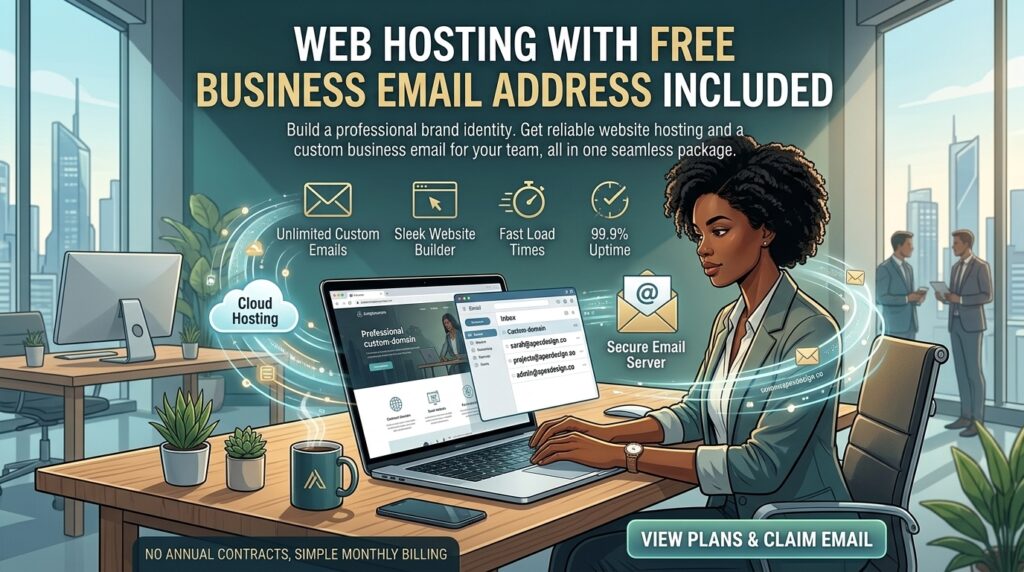
Web Hosting with Free Business Email Address Included: The Ultimate Guide
Introduction: Why Professional Email Matters
When launching a new digital venture—whether you are setting up an agency in San Francisco, an e-commerce shop in New York, a consulting startup in Texas, a tech portal in Washington, or a creative studio in California—establishing brand credibility is essential.
Using a generic free email address (yourname@gmail.com) instantly reduces professional trust. Prospective clients, investors, and enterprise partners look for branded domain emails (info@yourwebsite.com). Yet, many business owners make the mistake of paying separate monthly subscriptions for productivity suites or third-party email tools before realizing that many top-tier web hosting providers include free business email addresses directly in their standard hosting plans.
In this comprehensive, data-driven guide and review, we explore how built-in web hosting email works, evaluate the top providers offering free professional mailboxes, analyze deliverability and Google SEO impact, and provide actionable tips to configure your email infrastructure successfully.
The Anatomy of Web Host Email: Built-in vs. Standalone Suites
Before selecting a web host, it is important to understand how built-in hosting emails differ from enterprise workspace ecosystems.
+-------------------------------------------------------------+
|                Email Hosting Architectures                  |
+-------------------------------------------------------------+
|  [cPanel / Host Mailbox] --> Free, bundled with web hosting |
|  [Google / Microsoft]    --> Paid per-user productivity suites|
+-------------------------------------------------------------+
1. Bundled Web Hosting Email (cPanel / hPanel)
Most standard shared and cloud hosting packages include email account provisioning tools inside their control panels. You can create custom mailboxes (e.g., support@yourdomain.com, contact@yourdomain.com) using your existing server storage allocation at zero extra cost.
2. Standalone Enterprise Suites
Platforms like Google Workspace or Microsoft 365 charge per user (typically $6 to $7+ per month per inbox). While these suites include heavy-duty cloud document editing and large collaborative drives, they represent an unnecessary overhead expense for early-stage webmasters who simply need clean, reliable professional inboxes.
Top Web Hosts Offering Free Business Email Addresses Included
Several prominent web hosting companies combine high-performance server infrastructure with robust, free business email capabilities.
1. Hostinger (Best Overall Value & Modern Dashboard)
- Approximate Pricing: Starting around $2.49 per month.
- Email Inclusions: Free custom domain email creation integrated directly into their custom hPanel dashboard. Supports Webmail access, IMAP/POP3 configuration, and seamless forwarding.
- Performance Baseline: Fast LiteSpeed servers, 99.9% uptime, and reliable email delivery protocols.
2. Namecheap (Best Budget Host with Classic cPanel)
- Approximate Pricing: Starting around $1.88 to $2.28 per month.
- Email Inclusions: Free business email accounts included on core shared plans, managed through standard cPanel interface modules.
- Performance Baseline: Stable uptime records and dependable file management tools.
3. ChemiCloud (Best Support & Reliable Mail Deliverability)
- Approximate Pricing: Competitive introductory tiers.
- Email Inclusions: Free email accounts bundled with all hosting plans, featuring built-in spam protection and easy client configuration.
- Performance Baseline: NVMe-driven server speed paired with highly responsive 24/7 customer support.
SEO and Deliverability Impact: Keeping Your Emails Out of Spam
While having a free business email included with your hosting package saves money, proper configuration is essential to ensure your messages reach client inboxes rather than spam folders.
- Setting Up MX Records: Mail Exchange (MX) records point your domain’s email traffic to your hosting server. Your host configures these automatically during setup.
- Configuring SPF, DKIM, and DMARC: To protect your domain reputation and satisfy modern Google and Yahoo sender guidelines, you must publish SPF, DKIM, and DMARC DNS records. This authenticates your server as an authorized sender for your domain.
- Preventing IP Blacklisting: On shared hosting, ensure your server node maintains clean IP reputation scores by avoiding mass unsolicited marketing blasts from basic hosting mailboxes.
Pricing Structures and Mailbox Limits
When evaluating hosting plans with free business email, check the underlying storage quotas and account ceilings:
| Hosting Provider | Email Cost | Mailbox Storage | Management Interface |
| Hostinger | Included Free | Varies by plan tier | Custom hPanel |
| Namecheap | Included Free | Shared with account disk | cPanel |
| ChemiCloud | Included Free | Generous tier allocations | cPanel |
Pros and Cons of Web Host-Included Business Email
The Pros 👍
- Zero Additional Costs: Eliminates monthly per-user subscription fees for basic professional correspondence.
- Centralized Management: Control your website files, databases, SSL certificates, and email inboxes from a single login dashboard.
- Instant Setup: Create branded email addresses (
name@yourdomain.com) in seconds. - Flexible Access: Check mail via browser-based Webmail portals or connect your inbox to external email clients like Apple Mail, Outlook, or mobile apps via IMAP.
The Cons 👎
- Storage Shared with Web Space: Email storage consumes space from your main hosting disk quota, meaning large video attachments can exhaust your server allocation.
- Basic Collaboration Features: Unlike Google Workspace, hosting-bundled email does not include advanced cloud document sharing, shared team calendars, or enterprise-grade document editing suites.
10 Essential Tips to Maximize Email Security and Performance
- Publish Strict SPF Records: Add a Sender Policy Framework TXT record to your DNS zone to specify which mail servers are authorized to send mail on your behalf.
- Enable DKIM Signatures: Activate DomainKeys Identified Mail inside your cPanel or hPanel to cryptographically sign your outgoing messages.
- Implement DMARC Policies: Set up a DMARC record (starting with
p=noneand moving top=reject) to monitor and block email spoofing attempts against your domain. - Select US-Based Data Centers: If your primary audience is based in North American business hubs (New York, Texas, California, Washington, or San Francisco), choose a local server node during checkout.
- Configure IMAP Instead of POP3: Sync your devices using IMAP so that read receipts, drafts, and sent folders remain synchronized across your computer and smartphone.
- Route Through Secure SSL Ports: Always configure your external email client using encrypted SSL/TLS incoming and outgoing server ports to protect data privacy.
- Monitor Account Disk Quotas: Keep an eye on your hosting storage metrics so heavy email attachments do not accidentally fill up your website’s root disk space.
- Pair Hosting Email with Cloudflare CDN: Route your web traffic through Cloudflare while keeping your mail records (
mail.yourdomain.com) bypassed or properly resolved. - Use Webmail as a Backup: Keep your host’s webmail login bookmarked in case you ever need to check correspondence while away from your primary device.
- Plan for Future Enterprise Migration: Start with your web host’s free bundled email, then scale up to Google Workspace or Microsoft 365 once your internal team expands and requires heavy cloud collaboration.
Frequently Asked Questions (FAQ)
1. Can I get a professional business email address for free with my web hosting plan?
Yes. Reputable web hosting providers like Hostinger, Namecheap, and ChemiCloud include free business email account creation across their shared and managed hosting packages.
2. How do I create a business email address using my web hosting account?
Log into your hosting control panel (such as cPanel or hPanel), navigate to the “Email Accounts” section, enter your desired prefix (e.g., info or support), set a password, and click create.
3. Can I connect my hosting email address to Gmail or Outlook?
Yes. You can easily connect your web host email account to external email clients like Apple Mail, Microsoft Outlook, or mobile apps using your server’s IMAP and SMTP settings.
4. Is web host email secure against spam and malware?
Yes. Quality hosts integrate spam filtering tools (like SpamAssassin) and secure SSL/TLS encryption protocols to protect your inbox from malicious traffic.
5. Does free web host email affect my website’s storage space?
Yes. On standard shared hosting plans, your email messages and attachments share the same overall disk storage quota allocated to your website files and databases.
6. Do I need technical knowledge to set up business email through my host?
Not at all. Control panels feature intuitive graphical interfaces that allow you to provision email accounts with just a few clicks.
7. Why are my emails going to recipients’ spam folders?
This usually happens if your domain lacks properly configured SPF, DKIM, or DMARC DNS authentication records. Setting these up verifies your server’s legitimacy.
8. Can I migrate my existing emails from another provider to my new web host?
Yes. Most hosting providers supply built-in email migration assistants or migration tools that allow you to transfer old inbox archives smoothly.
9. When should I upgrade from free hosting email to Google Workspace?
You should consider upgrading to a dedicated suite like Google Workspace or Microsoft 365 when your team requires advanced collaborative document editing, large shared cloud drives, and complex user management.
10. Which web host offers the best overall email and hosting bundle?
Hostinger stands out as an exceptional choice, combining lightning-fast hosting speeds with a streamlined, user-friendly email management interface.
Conclusion
Securing a web hosting plan with a free business email address included is a smart, cost-effective strategy for any new digital project. Instead of paying extra monthly fees for separate communication tools, bootstrapping entrepreneurs can manage their websites and professional correspondence under one roof.