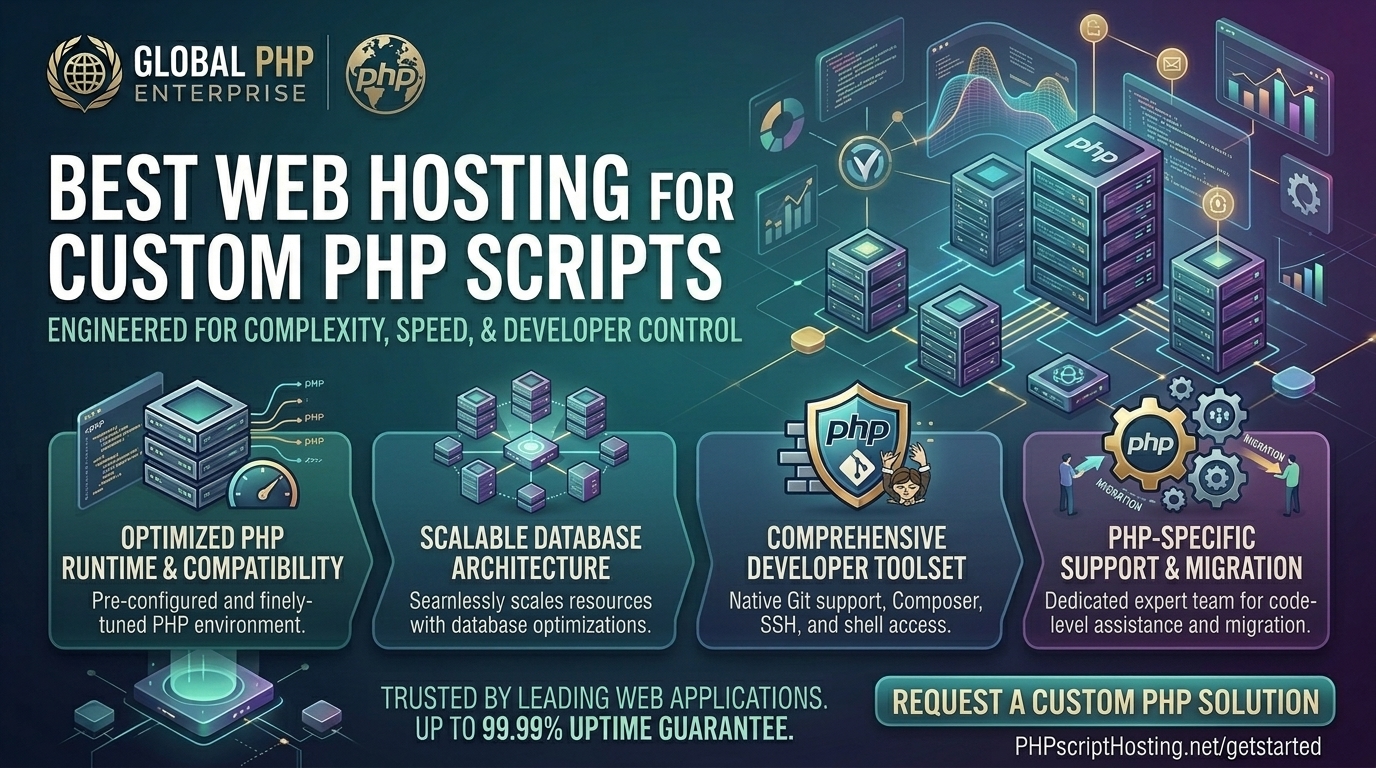
While most web hosting content focuses heavily on pre-packaged platforms like WordPress, Shopify, or Magento, millions of developers, agencies, and businesses rely on custom PHP scripts. Whether you have engineered a proprietary CRM, built a custom MVC framework from scratch, or deployed bespoke database-driven applications (such as client portals, SaaS tools, or custom e-commerce engines), running raw PHP code requires a vastly different hosting environment than generic CMS platforms.
If your web agency or technology venture operates out of major economic hubs like New York, San Francisco, Texas, Washington, or Los Angeles, your custom code demands robust server-level control, flexible PHP version toggling, direct command-line access (SSH/Composer), and zero arbitrary execution throttling.
This exhaustive guide explores the absolute best web hosting providers for custom PHP scripts, critical technical requirements, optimization tips, and 10 detailed FAQs.
Why Custom PHP Scripts Demand Specialized Web Hosting
Running custom-coded PHP scripts means you don’t have standard security plugins or caching layers built for you out of the box. Your code talks directly to the server stack. If your host restricts your configuration capabilities, your application will break.
A high-performance custom PHP environment requires:
- Full
php.iniand.htaccessControl: The freedom to adjustmemory_limit,max_execution_time,post_max_size, and enable custom extensions (likecURL,GD,PDO,Mbstring, orBCMath) instantly. - Multiple PHP Version Switching: The ability to seamlessly switch between legacy versions (like PHP 7.4) and modern enterprise versions (PHP 8.2, 8.3, or 8.4) per directory or domain.
- Native Developer Tooling: Built-in terminal access via SSH, Git integration, Composer dependency managers, and WP-CLI/Drush equivalents.
- Isolated PHP Workers & FastCGI: Ensuring that long-running custom database queries or cron jobs do not crash neighboring applications or hit abrupt gateway timeouts.
Top 5 Web Hosting Providers for Custom PHP Scripts
To maintain absolute flexibility, lightning-fast execution speeds, and secure root or containerized access, these five providers lead the market for custom PHP deployment:
1. Hostinger (Best Overall Value & Modern PHP Stack)
Hostinger has established itself as a dominant force in web hosting, offering exceptional hardware performance paired with advanced developer flexibility.
- Why it shines for Custom PHP: Hostinger supports up to the latest PHP versions, provides a browser-based terminal/SSH access, integrates Git and Composer, and runs on high-speed LiteSpeed web servers with custom hPanel or unmanaged VPS controls.
- Pros: Outstanding pricing structure, NVMe storage arrays, global data center presence covering US coasts, and instant script staging.
- Cons: High-end resource flexibility requires upgrading to their Cloud or VPS tiers.
2. DigitalOcean / Cloudways (Best for Scalable Cloud VPS & Root Control)
For developers writing custom PHP applications that require dedicated resources and granular server configuration, Cloudways or raw DigitalOcean Droplets provide the ultimate playground.
- Why it shines for Custom PHP: You get complete control over your Nginx/Apache stacks, PHP-FPM pools, MySQL configurations, and server memory allocations without interference. Cloudways wraps this in a managed dashboard with automated backups.
- Pros: Transparent pay-as-the-go pricing, isolated cloud environments, zero noisy neighbors, and flawless horizontal scaling.
- Cons: Unmanaged raw droplets require manual security patching and firewall setup.
3. Kamatera (Best for Fully Customizable Enterprise PHP Infrastructure)
Kamatera delivers hyper-scalable cloud servers where you can scale your CPU, RAM, and SSD storage down to the exact specifications your custom script demands.
- Why it shines for Custom PHP: You can build a completely clean Linux operating system image (Ubuntu/Debian/AlmaLinux), install your preferred PHP modules via terminal, and configure custom cron jobs with zero restrictions.
- Pros: Blistering-free trial options, massive global data center selection (including US West and East nodes), and instant server provisioning.
- Cons: Requires advanced system administration expertise to configure and secure safely.
4. Hosting.com / A2 Hosting (Best Turbo-Boosted Developer Environments)
Formerly known as A2 Hosting, Hosting.com is legendary among independent developers for its commitment to high-speed developer features and legacy compatibility.
- Why it shines for Custom PHP: Their Turbo plans feature optimized NVMe storage, custom caching engines, and unrestricted access to developer tools, allowing custom PHP scripts to execute up to 20x faster.
- Pros: Anytime money-back guarantees, deep PHP version support, and generous resource allowances.
- Cons: Top-tier speeds are locked behind premium turbo plan variants.
5. ScalaHosting (Best Managed Cloud VPS with SPanel Security)
ScalaHosting bridges the gap between raw cloud power and user-friendly management through their proprietary SPanel control dashboard.
- Why it shines for Custom PHP: SPanel offers a lighter, faster alternative to cPanel with built-in real-time cybersecurity (SShield), dedicated IP addresses, and custom PHP module toggles tailored for growing applications.
- Pros: Fully managed cloud support, free data migrations, isolated resource pools, and exceptional customer service.
- Cons: Higher entry cost compared to basic shared hosting plans.
Actionable Tips to Optimize Custom PHP Scripts for Peak Performance
When writing and hosting custom PHP code, unoptimized loops and bad database calls can bottleneck your server instantly. Follow these optimization guidelines:
- Always Enable OPcache: Ensure OPcache is active in your
php.inifile. It stores precompiled script bytecode in shared server memory, eliminating the need for PHP to load and parse scripts on every single request. - Tune PHP-FPM Pools Correctly: If you run a VPS, adjust your
pm.max_children,pm.start_servers, andpm.min/max_spare_serverssettings inside your PHP-FPM configuration to match your exact RAM capacity. - Use Prepared Statements (PDO) for Security: Protect your custom application from SQL injection vulnerabilities by exclusively using PDO (PHP Data Objects) with parameterized queries.
- Implement Server-Side Caching (Redis/Memcached): Offload session storage and frequent database query results to Redis or Memcached rather than repeatedly querying MySQL.
- Set Appropriate Execution Timeouts: Prevent runaway scripts from locking up your server by defining strict
max_execution_timeboundaries within your script logic or server configuration.
10 Frequently Asked Questions (FAQs)
1. Can I run custom PHP scripts on cheap shared hosting?
Yes, provided the shared host permits custom .htaccess rules, allows php.ini overrides, and supports the specific PHP extensions your script requires. However, heavy scripts will require a Cloud VPS.
2. How do I change the PHP version for my custom script?
Most modern hosts include a multi-PHP manager in their control panel (such as cPanel or hPanel) allowing you to switch between PHP 8.1, 8.2, or 8.3 instantly with a single click.
3. What is the difference between shared hosting and a VPS for custom PHP apps?
Shared hosting pools resources across hundreds of users with strict safety throttles. A Virtual Private Server (VPS) grants you dedicated, isolated CPU and RAM resources with full root control over your environment.
4. Do custom PHP scripts need a database like MySQL?
Not strictly—some flat-file custom scripts store data in JSON or XML format. However, most robust custom applications rely on MySQL, MariaDB, or PostgreSQL for relational data management.
5. How do I handle background tasks or cron jobs for custom PHP?
You can configure system-level Cron Jobs via your server control panel or SSH terminal to execute specific PHP scripts automatically at set time intervals (e.g., php -f /path/to/script.php).
6. What PHP extensions are essential for most modern scripts?
Most custom frameworks require extensions such as pdo_mysql, curl, mbstring, gd, openssl, and json to handle database connections, HTTP requests, and string encoding.
7. Why is my custom PHP script throwing a “500 Internal Server Error”?
A 500 error on custom scripts usually stems from a syntax error in your code, a misconfigured .htaccess file, or exceeding the allocated memory_limit in your php.ini. Check your server’s error logs for exact diagnostics.
8. Does script execution speed affect Google SEO rankings?
Yes. Google evaluates server response latencies and Time to First Byte (TTFB) via Core Web Vitals. Fast server-side PHP processing ensures your pages render instantly for users in New York, Texas, and California.
9. How do I deploy updates safely to a live custom PHP application?
You should utilize a staging environment or version control (Git) coupled with CI/CD pipelines to test code changes locally before pushing updates to your live production web server.
10. How much RAM does a custom PHP application typically need?
A basic custom PHP script can run on 1GB of RAM. However, production applications processing concurrent user sessions, heavy file uploads, or complex database queries require at least 2GB to 4GB of RAM.
Conclusion
Deploying custom PHP scripts requires a reliable hosting environment built for developer flexibility, strict security, and rapid data processing. By pairing your custom codebase with a high-performance provider—such as Hostinger, Cloudways, or Kamatera—alongside proper caching and database optimization, you guarantee lightning-fast execution, rock-solid stability, and an architecture primed for long-term digital growth.